Create campaigns your customersactually want to engage with.
Plan, personalize, launch, and track customer campaigns from one place. Harp helps your team reach the right audience with the right message while keeping every campaign organized.

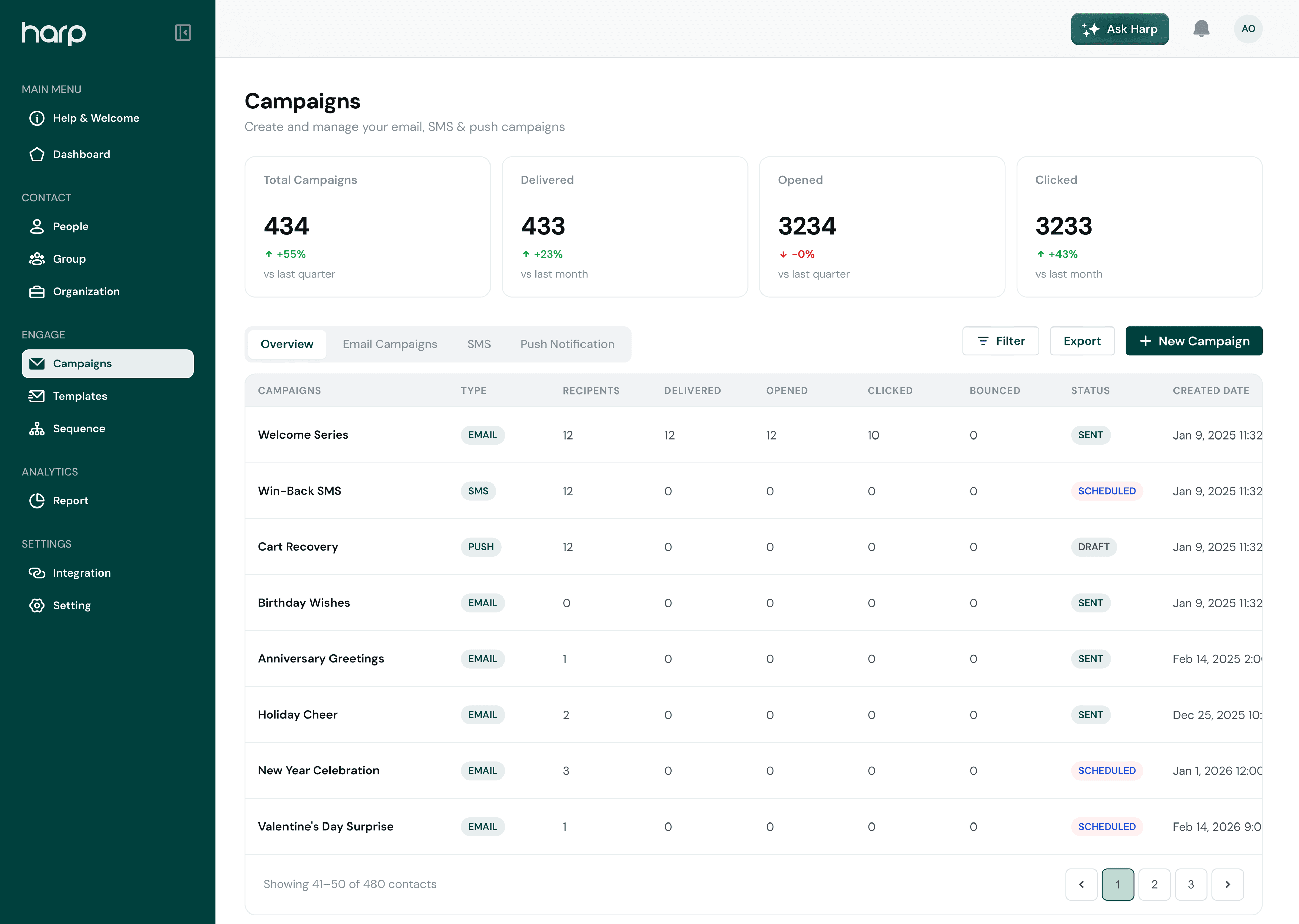
How it works
Everything you need to run campaigns without the complexity.
From creating your audience to reviewing campaign performance, Harp keeps the entire workflow in one connected experience.
- 01
Create
Build the campaign and define the message.
- 02
Target
Select the right customers or audience.
- 03
Schedule & Send
Launch immediately or schedule for later.
- 04
Measure
Understand campaign performance.
Build
Build campaigns in minutes.
Create campaigns through a guided workflow that keeps everything simple—from campaign details and recipients to scheduling and final review.
Name your campaign, pick the channel, and note what it’s for so the whole team knows.

New campaign
Step 1 of 4Campaign details
Campaign name
Channel
Description
Audience targeting
Reach the people that matter.
Use the customer information already available in Harp to decide who should receive each campaign instead of sending the same message to everyone.
- Group customers into segments you can reuse
- Filter by the customer information already in Harp
- See the recipient count before anything is sent
Choose audience
September Offer · Email
Recipients
4,360
Channels
Manage customer communication from one campaign workspace.
Coordinate your customer outreach without jumping between disconnected tools. Keep campaign planning, messaging, audiences, and performance within Harp.
Personalized emails with templates, dynamic content, and custom HTML.

Scheduling
Send now or at the right moment.
Prepare campaigns ahead of time and choose exactly when they should reach your customers.
- Send immediately or pick the exact date and time
- Set the time zone the send time should follow
- Review a summary before the campaign goes out

Delivery
September Offer · Email
Date
Time
Time zone
Campaign summary
Scheduled- Audience
- 4,720
- Channel
- Goes out
- Sep 30
Analytics
Understand what happens after you hit send.
Track campaign activity from one dashboard and use the results to improve future customer communication.
Sent
12,480
Across 5 campaigns
Delivered
12,105
97% of sent
Opened
5,810
48% of delivered
Clicked
1,452
12% of delivered
Connected workflow
Campaigns work better when your customer data is already connected.
Because campaigns live inside Harp, your team can move from understanding a customer to communicating with them without rebuilding audiences or switching between disconnected tools.
- 01
Customers
Every contact and their history, already in Harp.
AOBKCE2,480 contacts - 02
Segments
Groups built from that customer information.
Returning customersLagos - 03
Campaign
The right message sent to the right segment.
September OfferActive - 04
Engagement
Opens and clicks flow back to each customer.
Opened48%
Turn customer informationinto meaningful conversations.
Create, manage, and understand your campaigns from one connected workspace.
No complicated setup. Start creating campaigns with Harp.