Connect Harp to the toolsyour team already uses.
Bring your customer data and workflows together by connecting Harp with the services that already power your business.

Connected workspace
Keep your tools connected instead of your data scattered.
Integrations help your team keep customer information and workflows moving between the systems you already rely on.
- 01
Your tools
The email and SMS providers you already use.
MailgunTwilio - 02
Harp
Campaigns and sequences built on top of them.
CampaignsSequences - 03
Customer workflow
Messages reach customers, and events come back.
Delivered97%
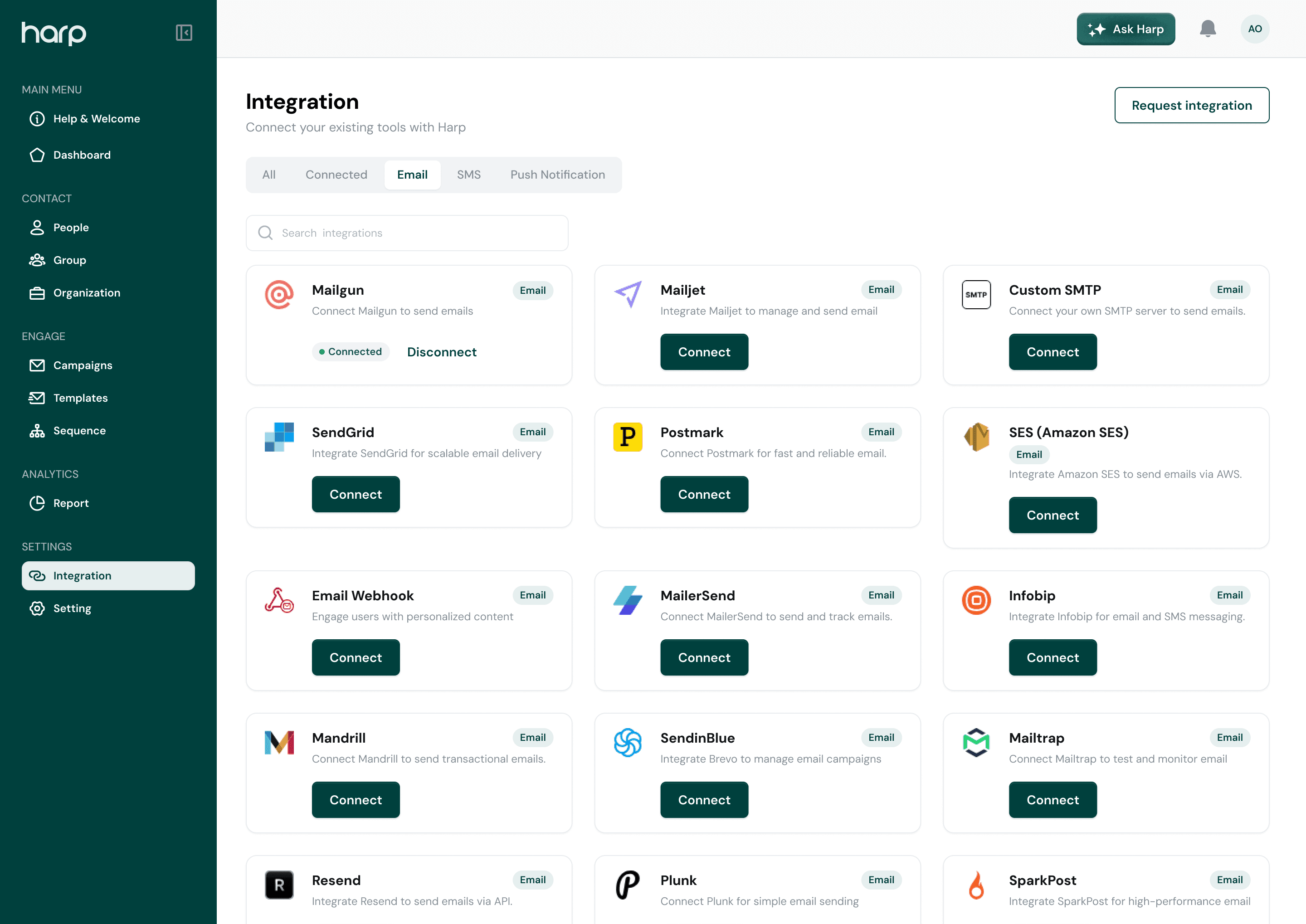
Integrations
Everything Harp connects with today.
Email and SMS providers for sending, plus an API and webhooks for your own systems.
- MEmail provider
Mailgun
Send Harp email through your own Mailgun account.
Connect in Harp - MEmail provider
Mailtrap
Use Mailtrap as the email provider behind your campaigns.
Connect in Harp - TSMS provider
Twilio
Send SMS campaigns and sequence steps through your Twilio account.
Connect in Harp - Developer tools
Harp API
Send email from your own product with an API key, with examples in cURL, Node, Python, Java, C#, Go, and Ruby.
Connect in Harp - Developer tools
Webhooks
Get notified in your systems when emails are sent, delivered, opened, clicked, bounced, or marked as spam.
Connect in Harp
Easy connection
Connect your tools without rebuilding your workflow.
Set up supported integrations and keep Harp connected to the systems your team already uses.
- Pick a provider and add its credentials
- Connect once and use it across campaigns and sequences
- Disconnect or switch providers whenever you need to

Connect a provider
Not connectedAPI key
Sending domain
Preview only. Credentials are entered securely inside Harp.
Data flow
Keep important customer information moving.
Send email events from Harp to your own systems with webhooks, or send email from your product with the Harp API.
- Choose which email events your webhook receives
- Sent, delivered, opened, clicked, bounced, and complaints
- Send email from your product with an API key
Webhook
ActiveWebhook URL
Subscribe to events
3 of 6Make Harp part of the toolsyou already depend on.
Connect your customer workflows and keep your team working from one connected system.